
Explain warranty coverage
Use your published terms and gather purchase details without promising claim approval.
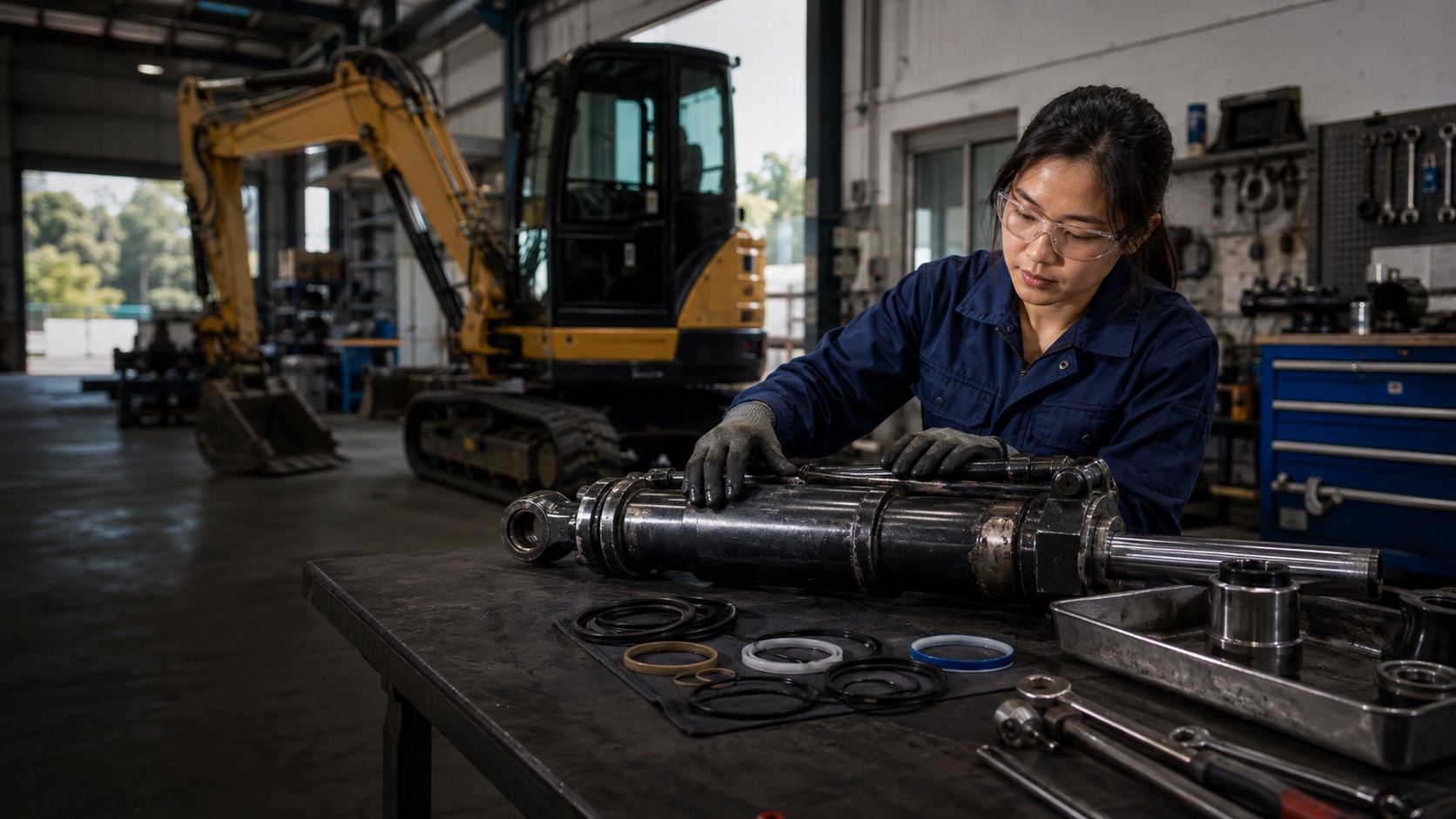
Use an AI after-sales service agent to guide warranty, maintenance, repair and spare-parts enquiries before your service team confirms next steps.
What
Your AI after-sales service agent supports post-purchase warranty, maintenance, repair and spare-parts enquiries. It collects product and purchase details so your team can confirm coverage, compatibility and the appropriate service.
Use your published terms and gather purchase details without promising claim approval.
Find the relevant care instructions and documented service intervals.
Collect model, serial number and part details for your team to confirm compatibility.
Capture ownership details, symptoms and contact information for follow-up.
When
Deploy this role when customers ask about care, warranty or spare parts after a purchase. Link service pages, follow-up emails and maintenance campaigns to your AI Terminal for a direct conversation about what they need.
Include your AI Terminal link in follow-up emails for warranty, care and repair questions.
Link parts campaigns to a conversation that gathers vehicle and part details for your team.
Invite visitors from service pages to discuss maintenance and spare-parts needs with your Agent.
How
Add your after-sales knowledge in AI Agent Console, then share your AI Terminal as a place to ask post-purchase questions.
Add warranty terms, care guides, parts catalogues and your service request process for the products you support.
Ask for the model, serial number, purchase date and issue. Keep warranty approval, repair commitments and parts compatibility checks with your service team.
Use the Playground to test a warranty question, a maintenance request and a spare-part enquiry. Check that it finds the relevant service information or spare-parts options and collects the details your team needs.
Embed the Agent on your website and share your AI Terminal link through service pages, follow-up emails and maintenance campaigns. Review conversations and update guidance for recurring ownership questions.
Prepare
Defining a role does not automatically connect these systems. The Agent handles conversations: answering questions and collecting enquiry details. Your team handles quotations, order changes, approvals and service arrangements.
Manage knowledge in AI Agent Console ↗Different jobs. The same AI Agent and business knowledge.
Start with one conversation role and your business knowledge. Share your AI Terminal wherever customers discover you.
View Pricing