Find the right documentation
Identify the product model and retrieve the relevant approved manual or specification.
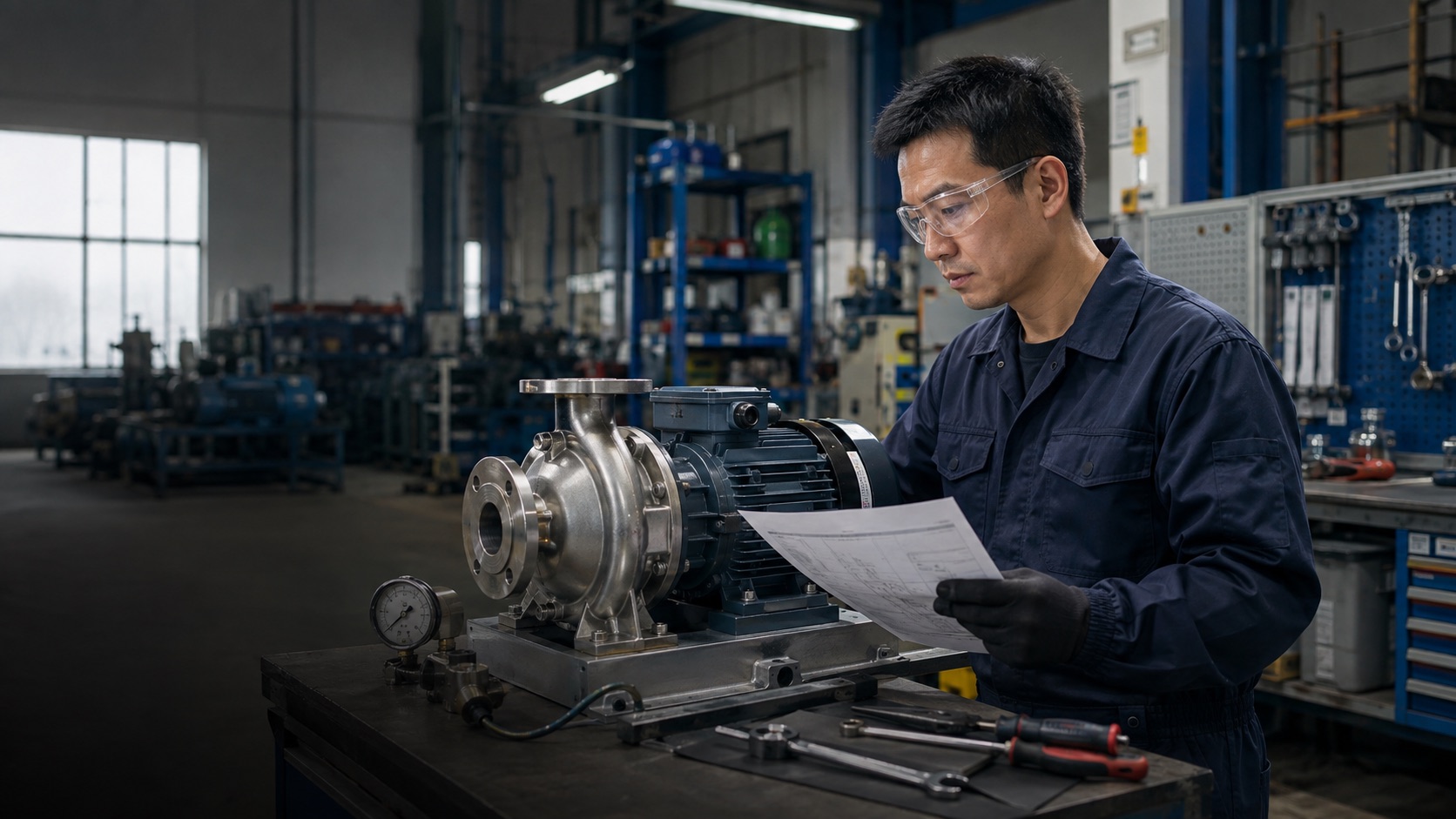
Use an AI technical support agent to find approved manuals, explain specifications and identify relevant products before a technician reviews complex issues.
What
Your AI technical support agent helps customers find model-specific information in manuals, specification sheets and troubleshooting guides. It gathers symptoms and fault codes, finds documented guidance and relevant product information, and sends complex or safety-sensitive issues to a technician.
Identify the product model and retrieve the relevant approved manual or specification.
Clarify ratings, terminology and documented application requirements.
Follow approved guidance and ask for symptoms, error codes and operating context.
Escalate missing evidence, unsafe conditions and specialist decisions instead of guessing.
When
Deploy this role when online visitors need to understand specifications, manuals or a technical issue. Link product pages, technical content and relevant campaigns to your AI Terminal so they can ask about their model and application.
Link equipment pages to your AI Terminal for model-specific questions and technician enquiry details.
Let visitors from online support content ask about documented setup requirements and error messages.
Share the Terminal in technical campaigns for specification and application questions.
How
Prepare approved technical knowledge in AI Agent Console, then share your AI Terminal for model-specific questions and guidance.
Add approved manuals, fault-code references and troubleshooting guides. Identify the models and document versions the Agent should use.
Ask for the model and symptoms before offering guidance. Define when to stop troubleshooting and refer the customer to a qualified technician.
Use the Playground to test fault codes, missing model details and unsafe situations. Have a qualified team member review the responses before launch.
Embed the Agent on your website and link technical pages, documentation and relevant campaigns to your AI Terminal. Review incoming questions and keep approved guidance and technician referral instructions current.
Prepare
Defining a role does not automatically connect these systems. The Agent handles conversations: answering questions and collecting enquiry details. Your team handles quotations, order changes, approvals and service arrangements.
Manage knowledge in AI Agent Console ↗Different jobs. The same AI Agent and business knowledge.
Start with one conversation role and your business knowledge. Share your AI Terminal wherever customers discover you.
View Pricing