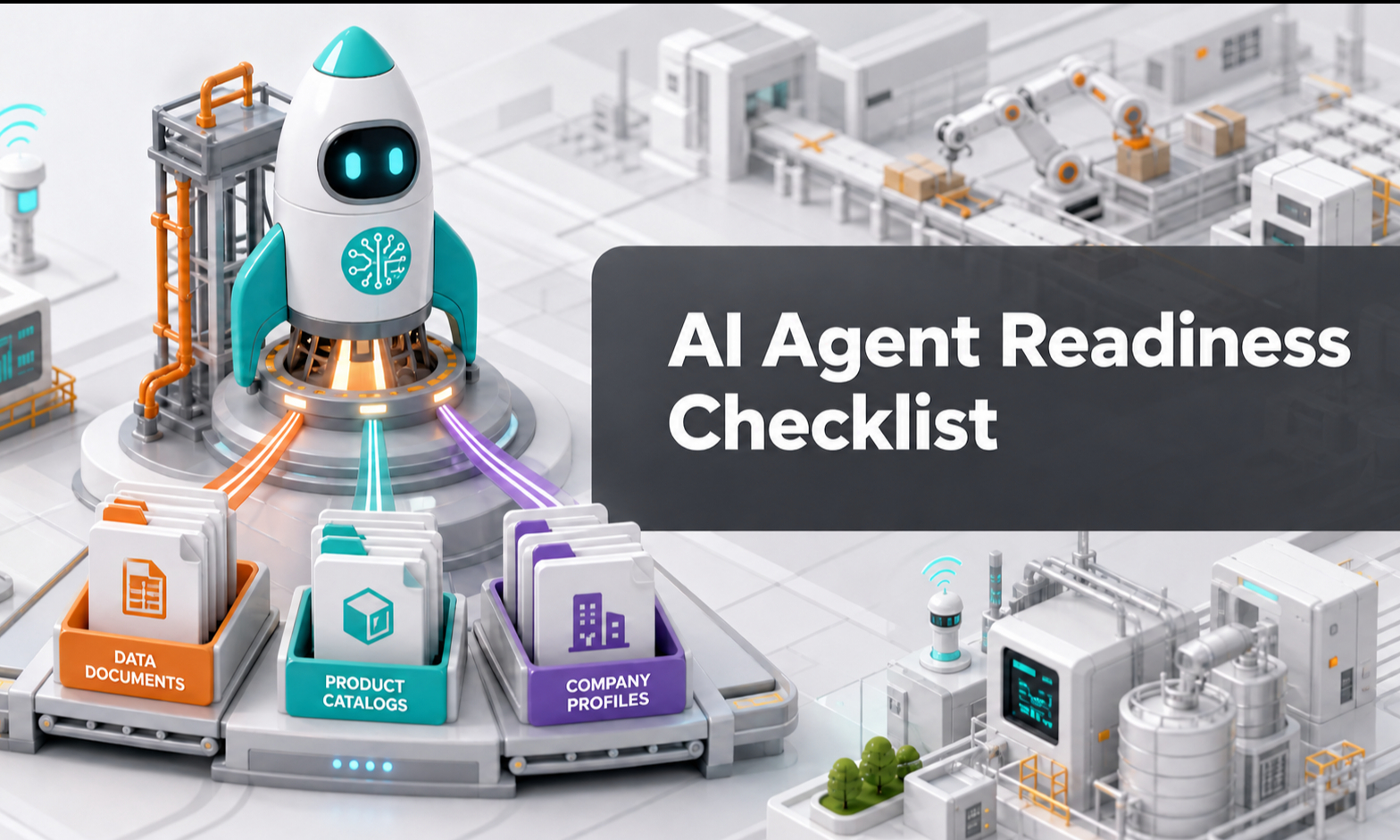
You do not need to prepare every possible document, product or FAQ before using your AI Agent.
The goal is to provide enough reliable information for the Agent to handle your most important customer conversations.
Use this checklist as a practical starting point.
1. Company Information
Check that your AI Agent understands:
- Your company name
- What your company does
- Main products and services
- Industries or customers served
- Countries or regions covered
- Business locations
- Customer contact information
If the Agent can clearly explain who your company is and what you provide, you have enough to start.
2. Knowledge Base
Check that you have added useful information under the relevant sections:
2.1 Introduction Include important company and business context.
2.2 SOP Include the main workflows and rules that affect customer conversations.
2.3 FAQs Include your most common customer questions.
2.4 Terms & Agreements Include important commercial terms and policies.
2.5 Website Add relevant current website information where useful.
2.6 Product Knowledge Add information about your priority products.
You do not need to completely fill every section before testing.
3. Product Information
For your priority products, check whether you have:
- Product name
- Brand
- Model
- Category
- Description
- Important specifications
- Applications
- Important limitations
- Datasheets or catalogues where available
For businesses managing individual inventory, also consider:
- SKU
- Asset number
- Serial number
- Manufacturing year
- Age
- Condition
- Location
- Availability
- Sales or rental status
Start with the products that matter most to your customers.
4. FAQs, SOPs and Business Rules
Check that your Agent understands:
- How common questions should be answered
- How enquiries should be qualified
- How pricing should be handled
- What can be confirmed
- What requires human approval
- What information should be collected
- When the Agent should hand over
- What the Agent must not invent or promise
You do not need rules for every possible situation.
Focus first on the most common customer journeys.
5. Test With Real Customer Questions
Once the basics are ready, start testing.
Use real questions taken from:
- Sales enquiries
- Emails
- WhatsApp conversations
- Website enquiries
- Support requests
- Technical questions
Check whether your AI Agent:
- Uses the correct knowledge
- Answers clearly
- Understands the customer's requirement
- Asks useful follow-up questions
- Avoids unsupported claims
- Captures useful customer information
- Hands over at the right time
6. Identify the Cause of Weak Answers
If the Agent gives a weak answer, first identify why.
Common causes may include:
6.1 Missing Knowledge The information was never provided.
6.2 Incomplete Product Information The product exists, but important specifications or context are missing.
6.3 Outdated Information The Agent is using information that is no longer current.
6.4 Conflicting Information Different sources provide different answers.
6.5 Unclear SOP The Agent understands the information but does not know what action to take.
6.6 Missing Business Rule The required decision or boundary has not been defined.
Fix the source of the problem, then test again.
7. Start Before Everything Is Perfect Do not wait until every product, document and FAQ is complete.
A better approach is:
- Start with your most important knowledge
- Test real customer conversations
- Identify gaps
- Improve the relevant knowledge or SOP
- Test again
- Continue improving over time
Your AI Agent should become more useful as your product information, business knowledge and workflows become clearer.
8. Key Takeaway
The goal is not to prepare everything before starting.
The goal is to start with the essentials, test early and improve with real usage.