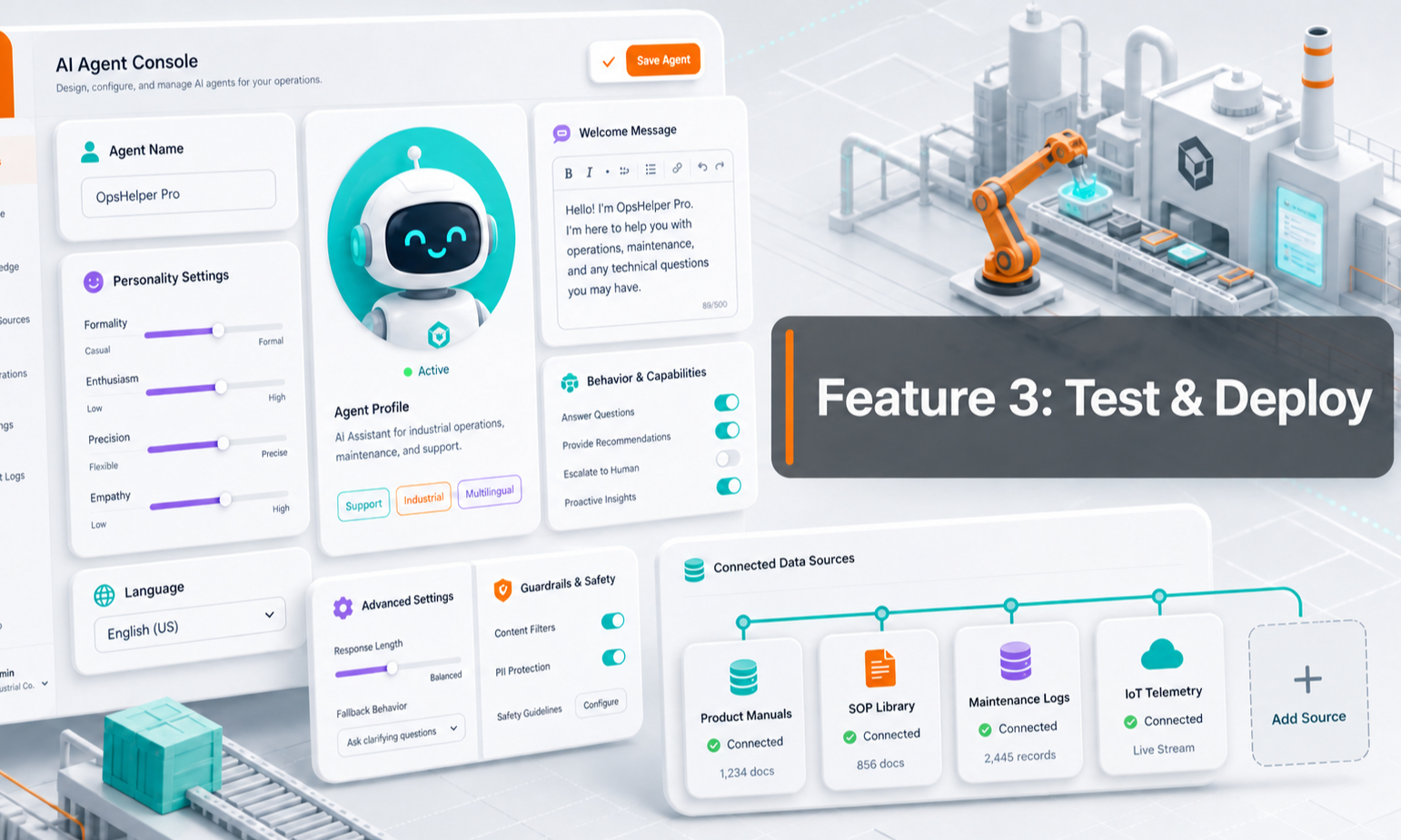
Once your Agent Setup and Knowledge Base are ready, the next step is to test how the Agent responds and then make it available to customers.
Antbuildz provides a Playground for testing and two main deployment options:
- Dedicated AI Agent Chat Link
- Website Embed
Testing in Playground does not consume your normal conversation credits, so you can test and refine your Agent before going live.
1. Test Your AI Agent in Playground
Objective Use Playground to simulate real customer conversations before deploying your Agent publicly.
This is where you should test whether the Agent:
- Understands customer questions
- Retrieves the right knowledge
- Explains products accurately
- Follows your AI Rules
- Uses the right communication style
- Asks useful follow-up questions
- Handles handover correctly
You can reset the conversation and test different scenarios repeatedly.
Because Playground testing does not consume your normal conversation credits, use it actively during setup and whenever you update your knowledge or rules.
2. What Should You Test?
Do not only ask simple questions.
Use real questions your customers actually ask.
Examples include:
- What does your company provide?
- Which product is suitable for my application?
- What is the difference between Model A and Model B?
- Can you explain this specification?
- Do you provide delivery?
- How can I request a quotation?
- What happens if the Agent does not know the answer?
For complex products, also test questions involving:
- Technical specifications
- Datasheets
- Tables
- Charts
- Compatibility
- Applications
- Product limitations
If the Agent gives a weak answer, check whether the issue comes from:
- Missing knowledge
- Incomplete product information
- Conflicting information
- AI Rules
- SOP
- Handover setup
Fix the source, then test again.
3. Dedicated AI Agent Chat Link
Objective Give your customers a direct link to your AI Agent without needing to embed anything into a website.
Each Agent has its own dedicated customer chat link.
You can:
- Copy the link
- Open the link directly
- Share it with customers
- Add it to email
- Add it to WhatsApp
- Add it to social media
- Add it to QR codes
- Add it to your website buttons or menus
This is the fastest way to deploy your Agent.
Antbuildz Subdomain
By default, your AI Agent can be available through an Antbuildz-hosted subdomain.
This allows you to start using the Agent without setting up your own website integration first.
Custom Domain
Where supported, you can also configure the customer-facing Agent experience to use your own domain.
This gives the chat experience a more branded customer journey.
For example:
ai.yourcompany.com
or another domain structure your business prefers.
4. Embed the AI Agent on Your Website
Objective Place the AI Agent directly inside your existing website so visitors can start a conversation without leaving the page.
Antbuildz provides an embed code that can be added to supported websites.
The embed can be used on:
- Homepage
- Product pages
- Service pages
- Contact pages
- Landing pages
- Other relevant pages
This is useful if you want the AI Agent to become part of your existing customer journey.
5. How to Embed the Agent
You can copy the provided embed snippet and add it to your website.
The exact method depends on how your website is built.
In many cases, your website administrator or technical team can simply copy and paste the provided code into the appropriate section of the website.
You can also use the Preview option to check how the embedded Agent will appear.
If you are unsure where the code should be placed, use Install Help or contact the Antbuildz team for assistance.
6. You Do Not Need to Be Technical
You do not need to understand coding to deploy your AI Agent.
If you manage your own website and know how to add an embed code, you can do it directly.
If your company has a website developer or IT team, simply send them the provided embed code.
If you need help, the Antbuildz team can assist with the deployment process.
The important point is:
You do not need to delay launching your Agent just because you are not technical.
You can start immediately using the dedicated AI Agent Chat Link, then embed the Agent into your website later.
7. Which Deployment Method Should You Use?
Dedicated Chat Link
Best when you want:
- The fastest deployment
- A standalone AI Agent page
- A link you can share anywhere
- No website changes
- A simple way to test with customers first
Website Embed
Best when you want:
- The Agent inside your existing website
- Visitors to chat without leaving the page
- The Agent integrated into product or service pages
- A more seamless website experience
You can use both methods at the same time.
For example, embed the Agent on your website while also sharing the dedicated chat link through WhatsApp, email or campaigns.
8. Recommended Deployment Flow
For most users, we recommend:
- Complete Agent Setup
- Add your important Knowledge Base information
- Test real customer questions in Playground
- Fix any weak answers
- Share the dedicated AI Agent Chat Link internally
- Let your team test it
- Share the link with selected customers
- Embed the Agent into your website when ready
- Continue reviewing and improving the Agent
You do not need to wait until everything is perfect before deployment.
Start with a controlled test, learn from real conversations and improve over time.
9. Key Takeaway
Playground is where you test. Deployment is how customers access your Agent.
You can deploy your AI Agent in two main ways:
- Dedicated AI Agent Chat Link — fastest and easiest
- Website Embed — integrated directly into your existing website
Start by testing in Playground, then choose the deployment method that fits your business.
If you need assistance with website embedding or deployment, the Antbuildz team can help you through the setup.