
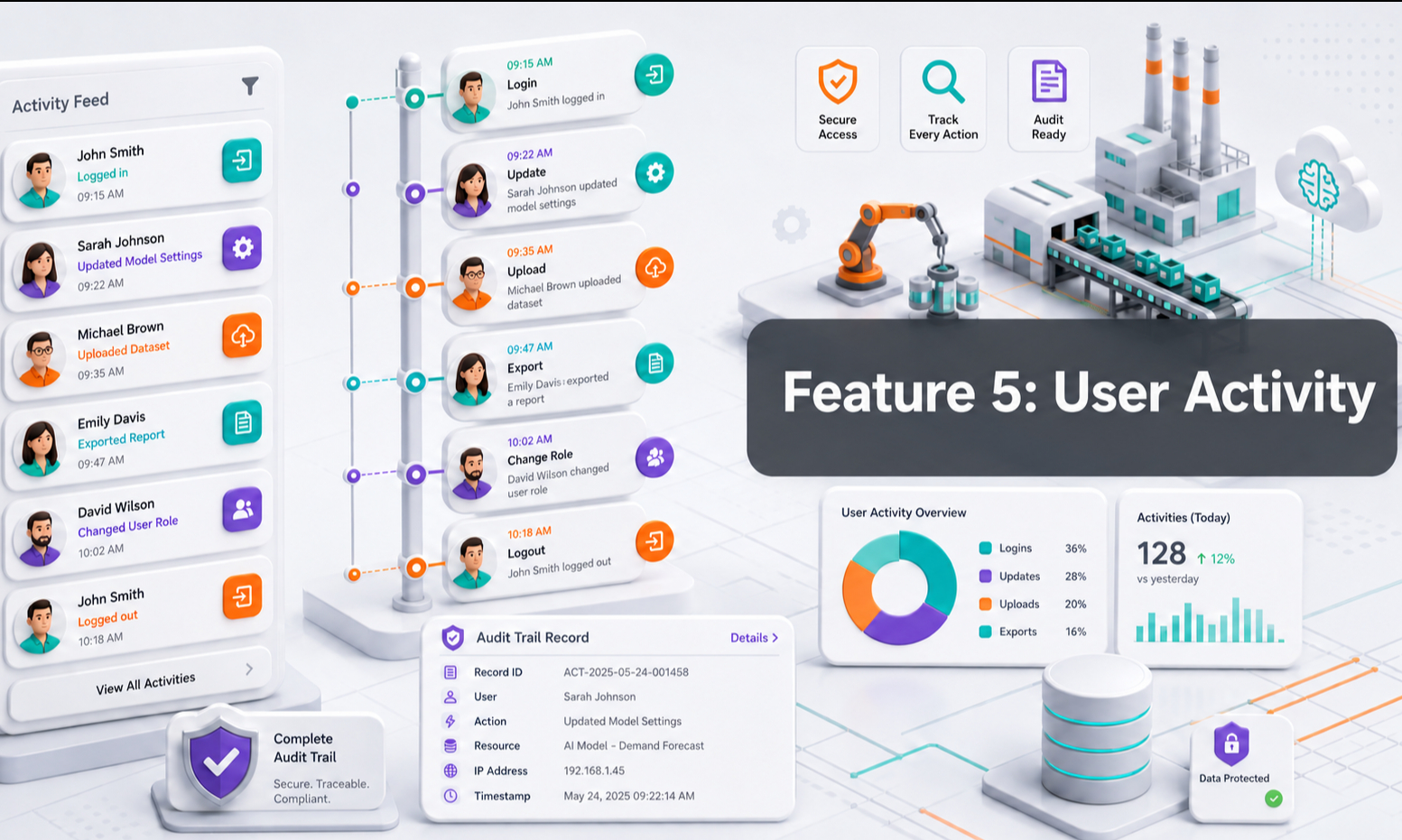
User Activity gives your team visibility into how often identified users return and engage with your customer experience.
Instead of seeing a customer only once, you can review their activity over time and understand whether they are returning repeatedly.
A customer who visits several times, reviews products, or continues conversations may be showing stronger interest. When User Activity is combined with Lead Capture and Conversation Monitoring, your team gets a much clearer picture of the customer journey.
1. Why User Activity Matters
Objective Help your team understand how frequently customers are engaging with your business.
User Activity can show information such as:
- Customer name
- Phone number
- Company
- Activity type
- Date and time of activity
Repeated activity can help your team identify customers who may deserve additional attention.
For example, a customer who returns several times within a short period may be actively evaluating products or preparing to make a decision.
However, visit frequency should be treated as an engagement signal, not proof that the customer is ready to buy.
2. Track Returning Users
When an identified user returns and performs supported activities, the activity can be recorded in the User Activity panel.
This allows your team to see:
- When the customer first appeared
- When they returned
- How frequently they engage
- Whether the same customer continues coming back
This is useful because buying decisions for complex products may happen over several visits rather than in one conversation.
A customer might:
- Discover a product
- Return later to check specifications
- Compare alternatives
- Speak with the AI Agent
- Return again before contacting sales
User Activity helps make that journey more visible.
3. Use Frequency as an Engagement Signal
Objective Help your team identify customers who may be showing increased interest.
For example:
Customer A
Visited once and did not return.
Customer B
Returned four times this week, asked several product questions and reviewed technical information.
Customer B may deserve closer attention.
But the strongest signals usually come from combining activity with other information.
Look at:
- Number of visits
- Recency of visits
- Conversation topics
- Product interest
- Quotation requests
- Pricing enquiries
- Quantity
- Timeline
- Lead profile completeness
This gives you a much stronger indication of customer intent than visit frequency alone.
4. User Activity + Lead Capture
User Activity becomes more valuable when combined with Lead Capture.
Lead Capture tells you:
- Who the customer is
- Their company
- Their contact details
- Their requirements
- Their product interest
User Activity tells you:
- How often they return
- When they were active
- Whether their engagement is increasing
Together, your team can see both the customer profile and the level of engagement.
5. User Activity + Conversation Monitoring
Conversation Monitoring adds another layer of context.
A simple way to understand the three features is:
Lead Capture = Who is the customer?
Conversation Monitoring = What are they asking about?
User Activity = How often are they coming back?
For example, imagine a customer:
- Returns three times in five days
- Asks about the same product each time
- Compares two models
- Asks about availability
- Provides their company and phone number
Individually, each signal is useful.
Together, they indicate a much stronger opportunity for your sales team to review.
6. How Your Sales Team Can Use It
Your team can review User Activity to help prioritise follow-up.
Look especially for customers who:
- Return frequently
- Have been active recently
- Ask repeated product questions
- Compare multiple products
- Request pricing or availability
- Have a completed Lead Profile
- Show a clear project or purchase timeline
These customers may deserve faster or more personalised follow-up.
Instead of treating every lead equally, your team gains additional context to decide where to spend time.
7. Do Not Judge Intent From Visits Alone
A customer may return several times for many reasons.
They may be:
- Researching
- Comparing products
- Sharing information internally
- Looking for technical documentation
- Preparing for a future purchase
- Simply browsing
So User Activity should not automatically label someone as a qualified or hot lead.
Use it as one signal alongside:
- Lead information
- Conversation history
- Product interest
- Deal intent
- Commercial questions
This produces a more reliable view of customer interest.
8. Key Takeaway
User Activity helps you understand how often identified customers return and engage with your business.
It gives your sales team another useful signal for prioritising opportunities.
Used together:
- Lead Capture tells you who the customer is
- Conversation Monitoring tells you what they want
- User Activity tells you how actively they are engaging
Together, these features help your team understand customer intent more clearly and follow up with better context.